Match naturally
Tap across two stable columns. Each thumb covers its own side, so the interaction stays quick and comfortable.
Pair modeBuild your vocabulary one small round at a time. Match words and pictures, train your ear, and find useful phrases for real life.
Free download · Optional in-app purchases · iPhone and iPad
Three simple steps
Choose a dictionary and a level. Pip helps you turn a few spare minutes into focused practice.
Tap across two stable columns. Each thumb covers its own side, so the interaction stays quick and comfortable.
Pair mode
Hear the learning-language word first, then choose its translation in one focused tap. Replay it whenever you need.
Listening mode
Correct words move forward. Missed words return until they stick, then come back for a later memory check.
Smart repetitionA dictionary for your next step
Explore 12 picks from our 20 published dictionaries. Start with the essentials, build everyday confidence, or go deeper into your field.
A first collection for the words you reach for every day.
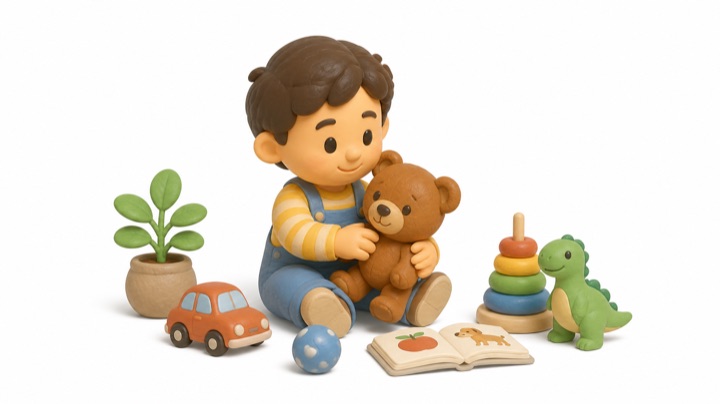
People, time, everyday actions, and the first useful connections.
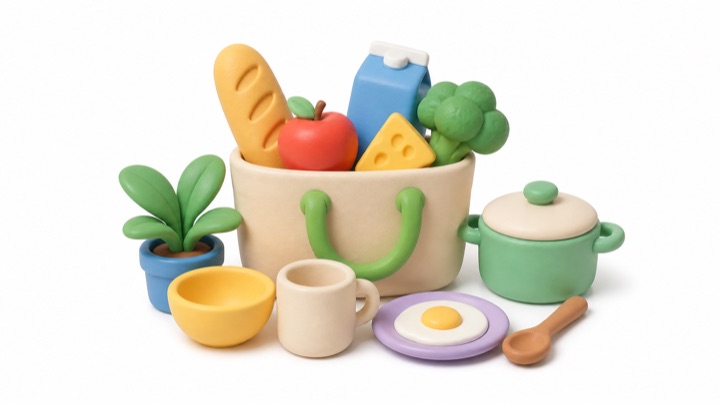
Food, familiar objects, and the vocabulary of home.

Places, transport, and the words for your next trip.
Practical vocabulary for a working day, an errand, or a visit.
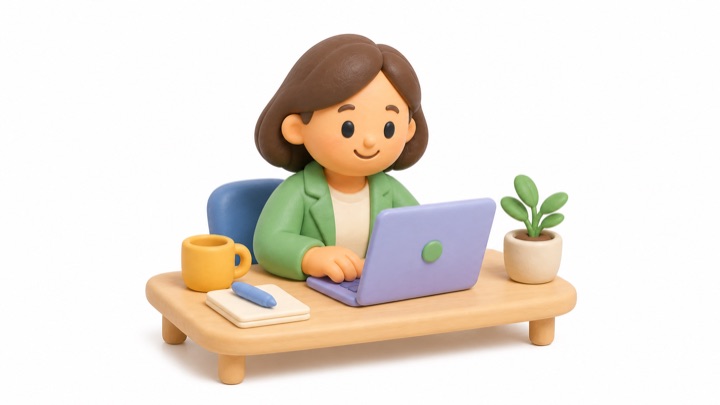
Meetings, colleagues, tasks, and the working day.
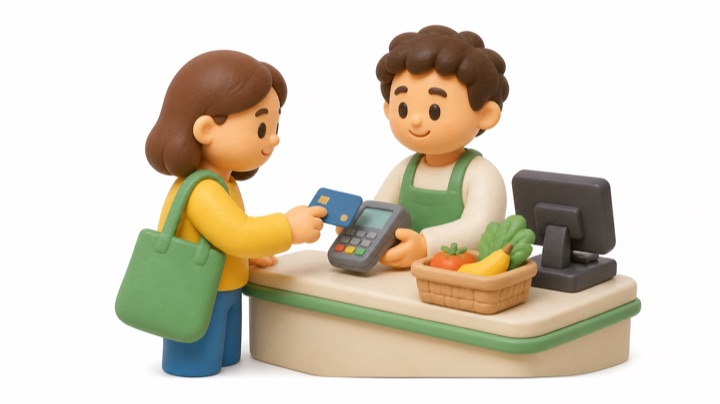
Products, prices, payment, and useful questions.
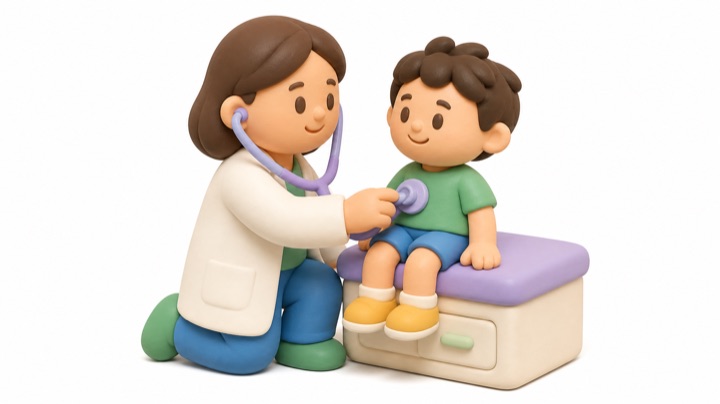
Symptoms, appointments, and conversations about care.
Go deeper into a subject you enjoy or use often.

Seasons, landscapes, plants, animals, and changing weather.
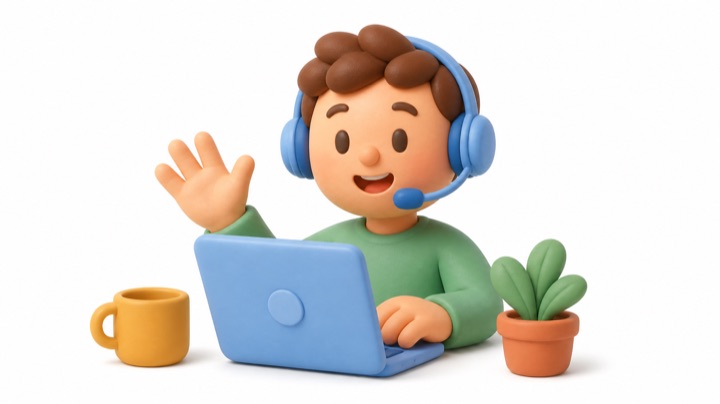
Devices, digital tools, and staying connected.
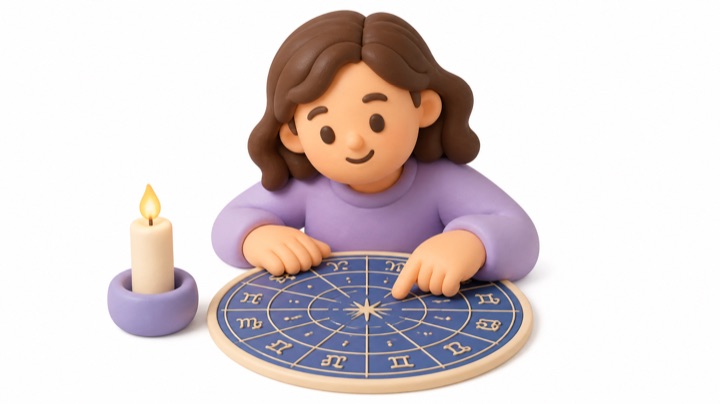
Planets, signs, houses, and the language of astrology.
Focused terminology for specific work settings.

Tools, materials, measurements, and site instructions.

Reservations, guest requests, reception, and service.
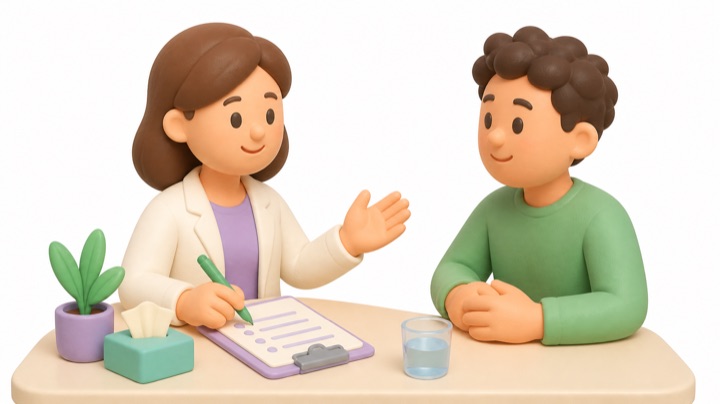
Patient information, symptoms, and intake conversations.
Browse all 20 dictionaries and check the content available for your language, level, and access.
Catalog snapshot: September 3, 2026. These are editorial groupings for the website, not purchase tiers. Coverage varies by direction and level.
The real app, not a mockup
From choosing a dictionary to finding the next pair: real screens from Vocapair 1.0.
Swipe to explore the screens →


Built around recall
Vocapair keeps the interaction quick while the learning state continues between sessions.
Mastered words return after 1, 3, 7, 14, and 30 days. A mistake brings the word back into active learning.
Match words to illustrations as well as translations. Current covers load from the catalog; a placeholder keeps older artwork from flashing during loading.
The catalog updates through the API. Downloaded dictionaries and cached media stay on your iPhone, alongside your progress. New content and uncached audio need a connection.
Daily mission, streak, due reviews, difficult words, and Home or Lock Screen widgets keep the next useful action visible.
Crossover learning
The catalog now contains English vocabulary and translations into 44 other languages. Choose an available direction in the app, then select an A1–C2 level. Interface language is a separate setting.
English + 44 translation languages
These are illustrative pair examples; check current direction availability in the app. Coverage varies by direction and content type. Some translations are machine-assisted and still under editorial review.
Find your language below. These are catalog languages, not the separate list of 64 interface languages.
Available dictionaries, phrases, and audio vary by language direction. Some translations are machine-assisted and remain under editorial review. Check the current content in the app.
From a word to a useful sentence
Open a dictionary, choose a category, and explore its phrases. Filter by level and replay the English audio at your own pace.
The editorial catalog contains 210 English phrases. In-app availability depends on the selected dictionary, language direction, and publication state; not every phrase has a translation in every language.
Enchanté de faire votre connaissance.
An English–French phrase example. Available phrase audio can be played inside Vocapair.
Choose the access that fits
The Store brings free content, individual dictionaries, bundles, and All Access into one place. Check your current access and available dictionaries directly in the app.
Start with the catalog’s free selection and discover how matching and listening feel.
Unlock individual dictionaries or curated bundles through Apple In-App Purchase. No star top-up is required.
A subscription option for the included catalog. Its screen shows your access status and what is available to you.
Vocapair is free to download. Optional purchases and subscriptions are processed by Apple, with current prices and terms shown in your local App Store.
A few things worth knowing
Choose a language direction, pick a dictionary, and start with the level that feels right.
Visit the help centerOpen Vocapair on the App Store, then download it on a compatible iPhone or iPad running iOS 17 or later.
Open Vocapair on the App StoreDownloaded dictionaries and cached media stay on your device. Connect first to load the catalog and the audio you need. New or uncached content requires a connection.
Yes. Choose an available language direction in Settings and an A1–C2 level. You can also switch levels at the bottom of a dictionary. Phrase lists have their own level filter.
Practice mode, round size, repetition target, pictures, pronunciation, mistake sounds, haptics, reminders, and appearance. The interface is available in 64 languages, independently of your study direction.
Open Settings → Feedback to suggest a dictionary or correct a word, translation, or phrase. The form prepares a report that you send through the system share sheet. You can also email pip@vocapair.com.
Use Settings → About → Clear cache while online, then reopen the catalog. Cache removal is separate from resetting learning progress; downloaded content needs to load again.
Available now
Download Vocapair free on the App Store and start your first round.